How-ToSDKMade with Zelos app 26.0.9 · SDK 0.0.12
Define your data's units and states up front
Give your signals units, types and named states once, from a file such as a DBC or from your own code, and every panel in Zelos shows them.
Contents6 sections
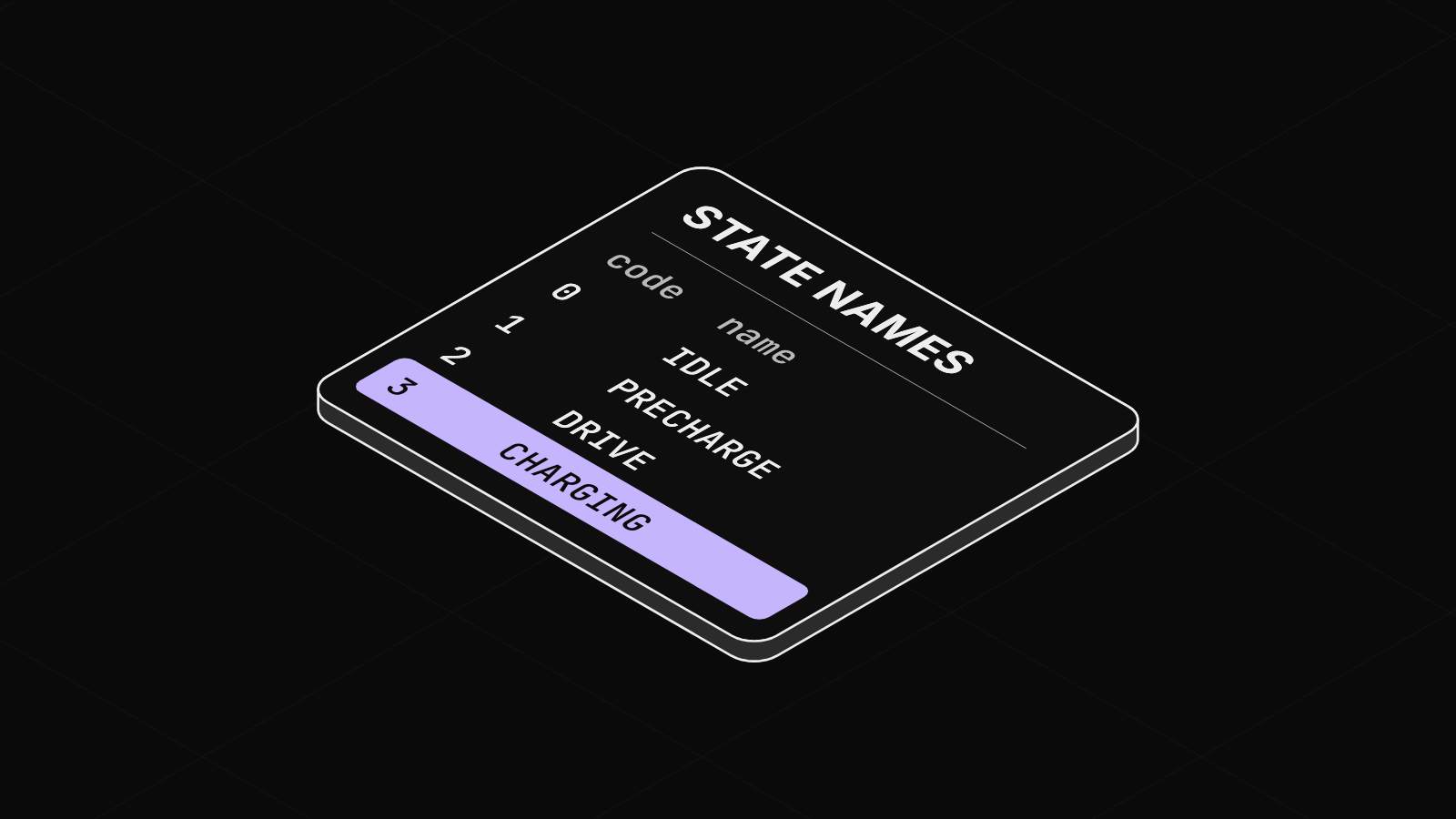
A state code of 3 means nothing until you know it is CHARGING, and a voltage needs its V. Define units, types and named states once, up front, and every panel in the app shows them.
Why define it up front
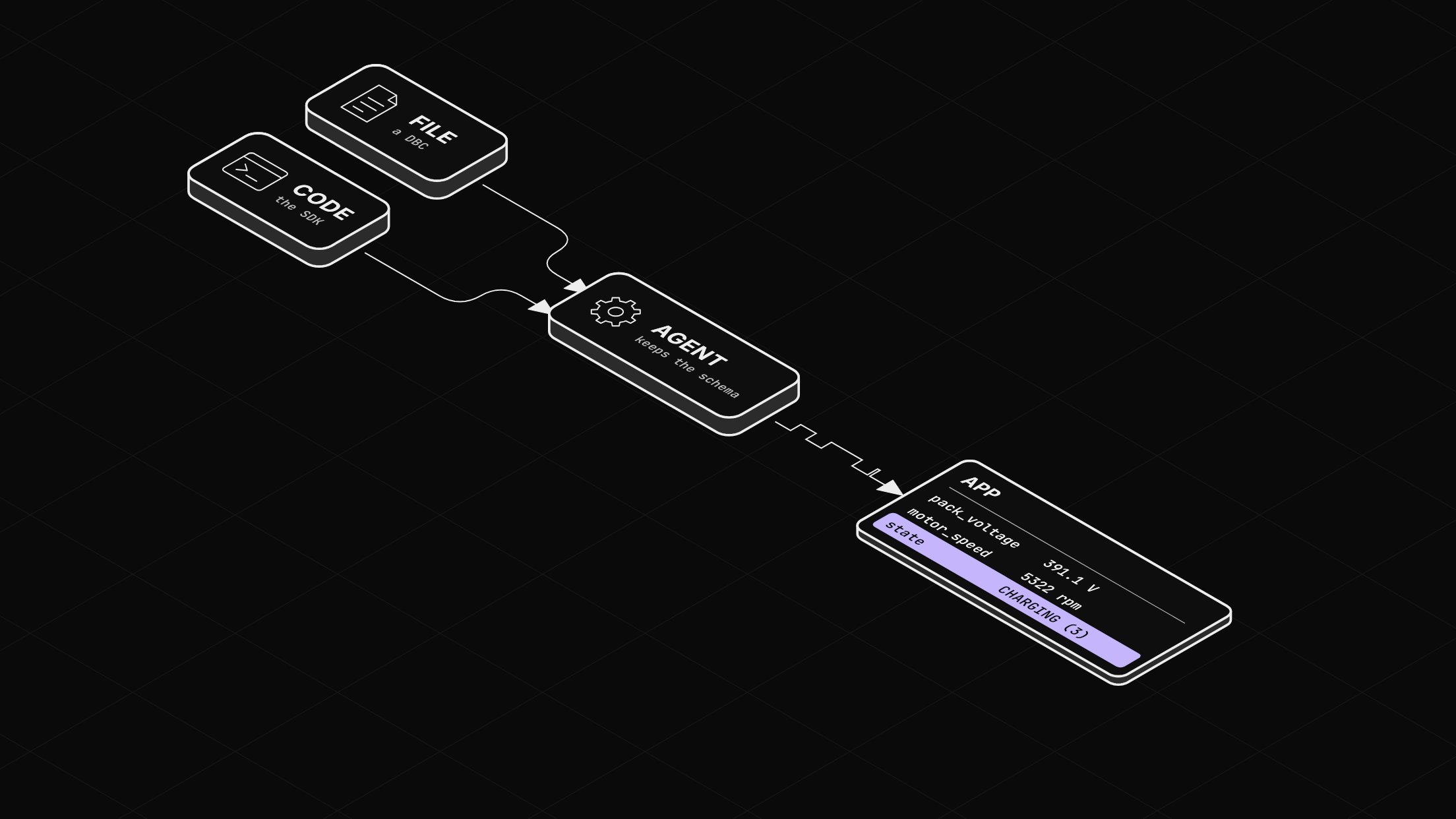
A schema gives each signal a data type and a unit. A value table maps a signal's codes to names. The agent keeps both, and every panel reads them: a Value panel prints the unit beside the number and the name beside the code. Without a schema, the first value sets the type, and panels show bare numbers.
The schema can come from a file you already have, or from the code that sends the data.
Before you start
- The Zelos app.
- For step 2, uv.
Step 1: Load it from a file you already have
Many devices already have their schema written down. A CAN DBC file is one example. Each signal line carries its unit, and each VAL_ line names a signal's codes:
BO_ 256 BMS_BatteryStatus: 8 BMS
 SG_ pack_voltage : 0|16@1+ (0.1,0) [0|800] "V" Gateway,Motor

BO_ 512 Motor_Status: 8 Motor
 SG_ motor_speed : 0|16@1- (1,-10000) [-10000|10000] "rpm" Gateway,BMS
 SG_ motor_state : 48|3@1+ (1,0) [0|7] "" Gateway,BMS

VAL_ 512 motor_state 0 "OFF" 1 "IDLE" 2 "READY" 3 "RUNNING" 4 "REGEN" 5 "FAULT";
Install the CAN extension, open its settings with the gear beside it in Explorer, and add your file under Database Files (.dbc). The extension turns each message into an event and each signal into a field with its type and unit. Each VAL_ line becomes a value table.
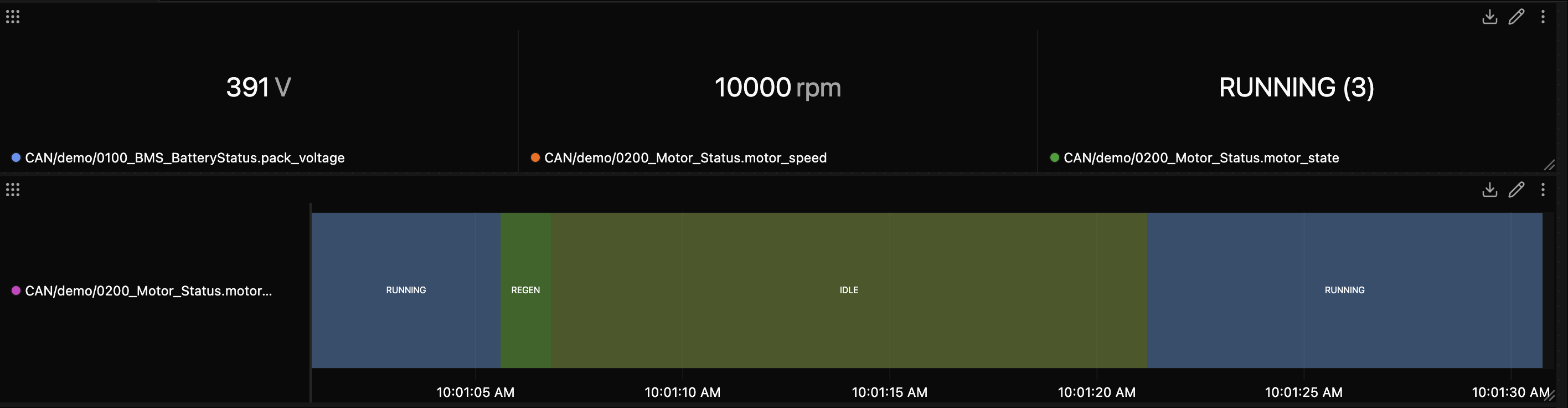
In this example, the extension's demo bus decodes simulated frames with its sample DBC, the file in the excerpt above:
Step 2: Define it in your code
With no file, declare the schema in the code that sends the data. In Python, add_event gives each field a type and an optional unit, and add_value_table names a field's codes:
import math
import time
from enum import IntEnum

import zelos_sdk
from zelos_sdk import DataType, TraceEventFieldMetadata as Field


class PackState(IntEnum):
    IDLE = 0
    PRECHARGE = 1
    DRIVE = 2
    CHARGING = 3


zelos_sdk.init()
source = zelos_sdk.TraceSource("pack")
status = source.add_event("status", [
    Field("voltage", DataType.Float64, "V"),
    Field("temperature", DataType.Float32, "°C"),
    Field("state", DataType.UInt8),
])
source.add_value_table("status", "state", {s.value: s.name for s in PackState})

start = time.time()
while True:
    t = time.time() - start
    status.log(
        voltage=380 + 20 * math.sin(t / 5),
        temperature=30 + 5 * math.sin(t / 20),
        state=PackState(int(t // 5) % 4),
    )
    time.sleep(0.1)
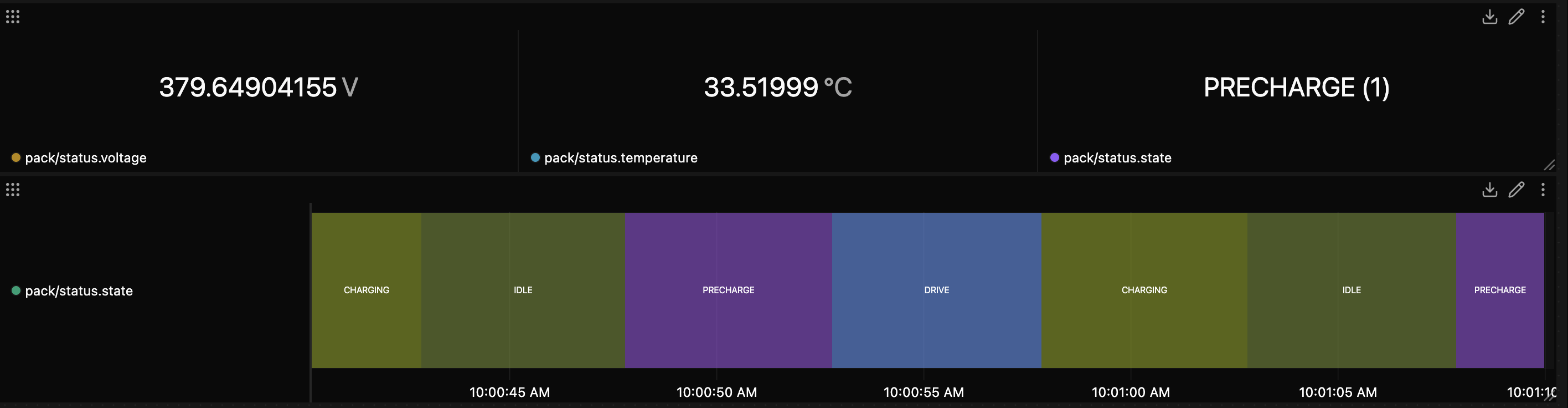
With the app open, run uv run --with zelos-sdk pack_sim.py. The script is also in the examples repository. The Rust and Go SDKs take the same two steps: build the event with a unit per field, then add a value table. The define-schemas docs page shows all three languages and the full list of types.
Step 3: See it in the app
Both sources now read the same way in every panel. Hover a signal's legend chip to see its type and unit:
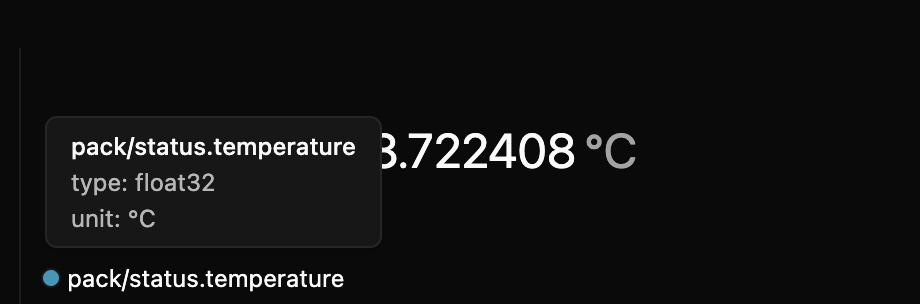
A State panel draws one block per state, labeled with its name. Hover a block for its name and code:
Next: record what you send
To save the stream to a file, see Record a trace file from your own Python script.